


Smile Assistants from Impress: how to use the mouth retractor
Starting an Impress clear aligner treatment is an exciting time for patients.
They've often been dreaming about improving their smile for a long time, so the moment they receive their treatment kit is a big one.
Along with the excitement of starting their teeth straightening journey is a commitment to follow the clear aligner treatment as prescribed to achieve the desired results in as little as 6 months*.
Many patients start to get familiar with the requirements they need to adhere to in order to complete treatment successfully.
Besides following their treatment plan according to the medical advice they receive, using all of the equipment provided will ensure the aligners and their teeth are cared for in the best way, which is very important too.
A big part of any orthodontic patient's treatment is to maintain their teeth at home, and when you’re doing your treatment with Impress, that includes weekly photographs to track the progress of your smile.
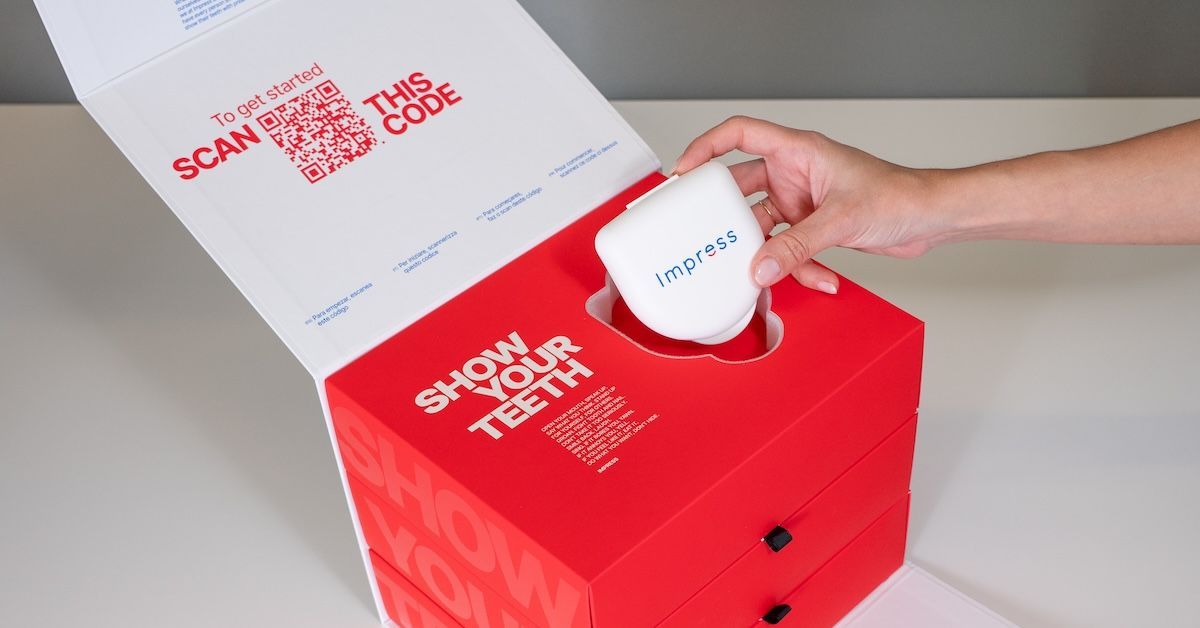
Cue the Smile Assistant.
The Impress Smile Assistant or mouth retractor helps you master the art of taking photos of your smile at home. Using this device can help you can easily capture all of the alignment changes, slight shifts, and corrections to your malocclusion.
Taking progress photos each week is a necessary step to ensure the medical team at Impress can review your photos and tell you if you’re ready to move on to the next aligner in your treatment kit.
What is a Smile Assistant?
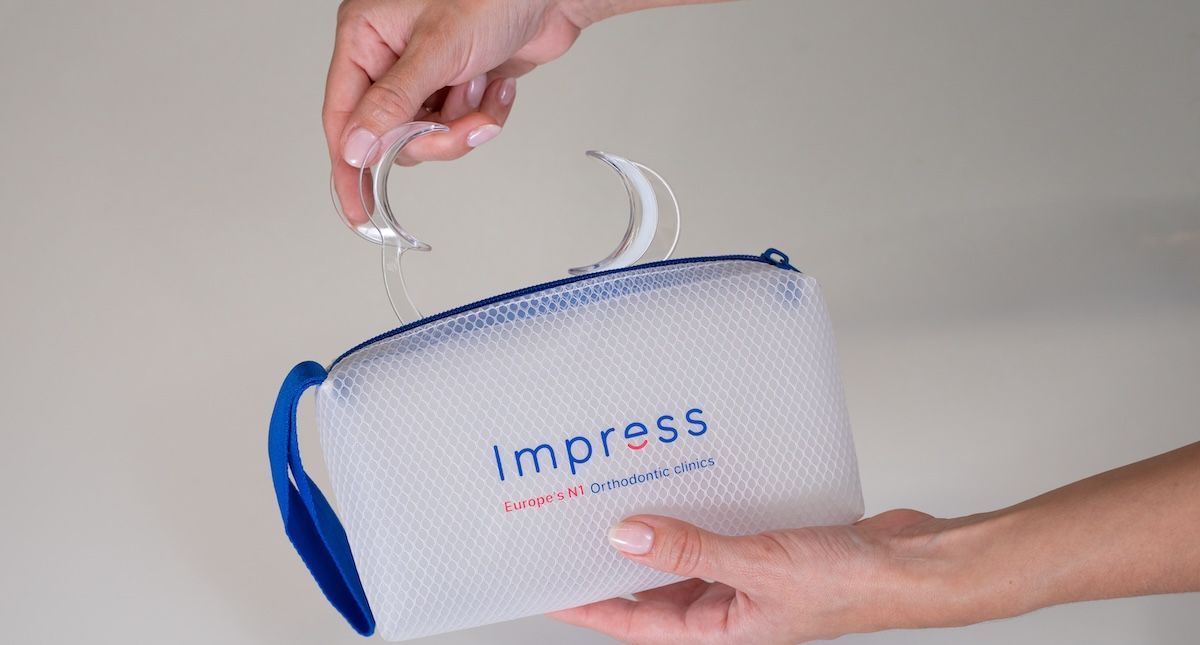
The Smile Assistant is a plastic dental mouth retractor–similar to what the medical team use when people visit the Impress clinic. This portable version helps make your check-up at home easier. With it, you can effortlessly take photos of your mouth with all your teeth visible in an optimal position.
Taking weekly progress photos and uploading them to the Impress App are a really important part of every patient's treatment, as it’s the only way to guarantee you are making the progress you need.
How to use a mouth retractor
Each patient receives a Smile Assistant Mouth Retractor in their Impress Kit to help them take pictures with their teeth clearly displayed. Whilst it can be tricky to use initially, it’s a vital bit of kit, ensuring there is enough room around the teeth to capture the correct view in the treatment progress photos.
This clever mouth spreader not only makes it easy to get all your teeth in one photo, but also makes you feel like a professional dental technician. Whilst it might not look glamorous, it isn’t painful and is really easy to use.
Using a Smile Assistant during your treatment?
Here’s how:
- Squeeze your smile assistant gently.
- Place it in the corner of your mouth with the open side facing upwards and the wider side facing inwards.
- Now you can slowly let go of the Smile Assistant as it will hold your mouth open if placed correctly.
- Have you taken all the required photos requested on the Impress App?
- Then simply squeeze the Smile Assistant together to remove it and gently take it out.
- Give it a light rinse and wipe clean with a fibre-free cloth or piece of kitchen paper, ready for the next week.
Tips for the best progress photo during clear aligner treatment
Using a Smile Assistant is a helpful tool, but without the right conditions, it won’t work miracles.
- It's really important to have enough light in front of it.
- Natural daylight is ideal, but a bright lamp can also help.
- Hold your phone steady to avoid blurry and shaky photos.
- It can also be helpful to ask someone to take the photo for you.
If you've already started clear aligner treatment with Impress, congratulations!
Message us with any concerns, or head to our FAQ's platform. As for your Smile Assistant: you’ll find it in your treatment kit along with Chewies, Outies and your aligners in the Impress Treatment Box.
If you're ready to start your Impress clear aligner treatment, or if you have a question that can’t wait? Try messaging us on WhatsApp.